Send files
Attach CAD, target quantity, material preference, and where the part will be used.
Start with STEP, STL, 3MF, or a drawing. Ultimaker returns a practical manufacturing route, not a black-box number.
Start upload request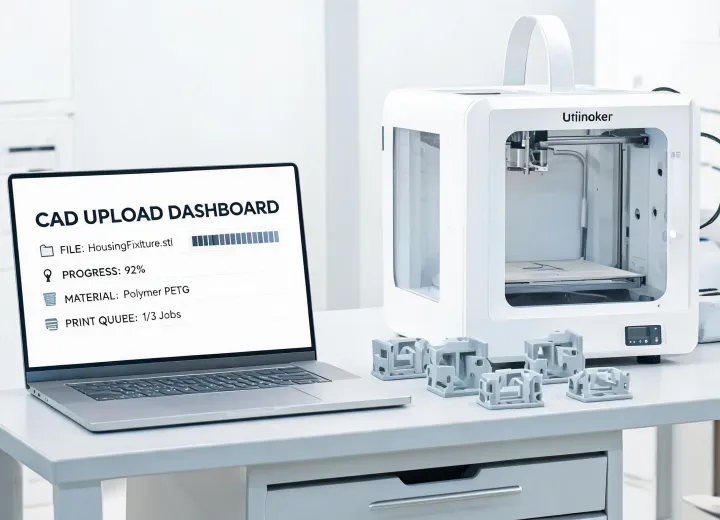
Attach CAD, target quantity, material preference, and where the part will be used.
We flag thin walls, support risk, shrinkage, inserts, and inspection needs before approval.
Choose printed parts, printer equipment, or a hybrid program with documentation.
Approved jobs keep file revision, material, and quality notes for repeat orders.
The first quote is strongest when it includes use environment, load direction, expected life, and inspection expectations. If details are missing, Ultimaker will state assumptions and ask focused questions rather than hiding risk in the price. Files are handled under standard NDA practice and can be marked export-controlled for manual review before acceptance.
Typical quote notes include material family, estimated lead time, drawing assumptions, surface expectations, support-removal concerns, and whether a sample build is recommended before repeat release. For equipment discussions, we also call out operator training, maintenance cadence, slicer workflow, queue management, and what should remain outsourced until demand is proven.
“The upload response made it clear which material was overkill and which tolerance needed a drawing.”
“We moved from prototype nests to repeat line-side tools without losing revision history.”
“The DFM questions were concise enough for our designer to answer the same day.”
Useful context includes load, temperature, contact surfaces, washdown, operator handling, and whether the part touches regulated product.